How to Build the Ultimate Gaming PC on a Budget in 2027
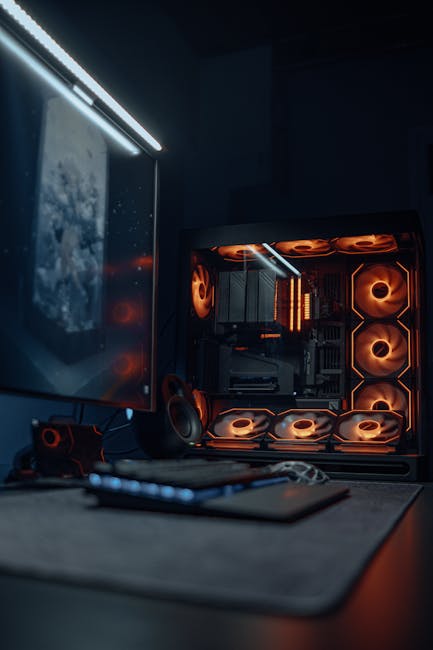
*Photo by Atahan Demir on Pexels*
Building your own gaming PC in 2027 gives you more performance per dollar than any pre-built system. With GPU prices stabilizing and DDR5 RAM becoming affordable, now is the best time to build. This guide covers three budget tiers so you can choose what fits your needs.
## Why Build Your Own PC in 2027?
The PC hardware market has shifted significantly since 2024:
- GPU prices are down 30% from the 2021-2023 shortage peaks
- DDR5 RAM is now the standard at DDR4 prices
- PCIe 5.0 SSDs deliver blazing load speeds under $100
- Pre-built markup remains 20-35% over component costs
Building your own saves $300-500 on a mid-range system and gives you better components where it matters most.
## Budget Tier 1: Entry-Level ($600-800) — 1080p Gaming
This build handles all esports titles at high settings and modern AAA games at medium settings, 60+ FPS at 1080p.
| Component | Recommendation | Price |
|---|---|---|
| CPU | AMD Ryzen 5 7600 (6-core, 4.0 GHz) | $185 |
| GPU | NVIDIA RTX 4060 (8GB VRAM) | $280 |
| Motherboard | B650M (DDR5, PCIe 5.0) | $120 |
| RAM | 16GB DDR5-5600 (2x8GB) | $50 |
| Storage | 1TB NVMe PCIe 4.0 SSD | $55 |
| PSU | 650W 80+ Bronze | $65 |
| Case | ATX mid-tower with 3 fans | $60 |
Total: ~$815
What you can play:
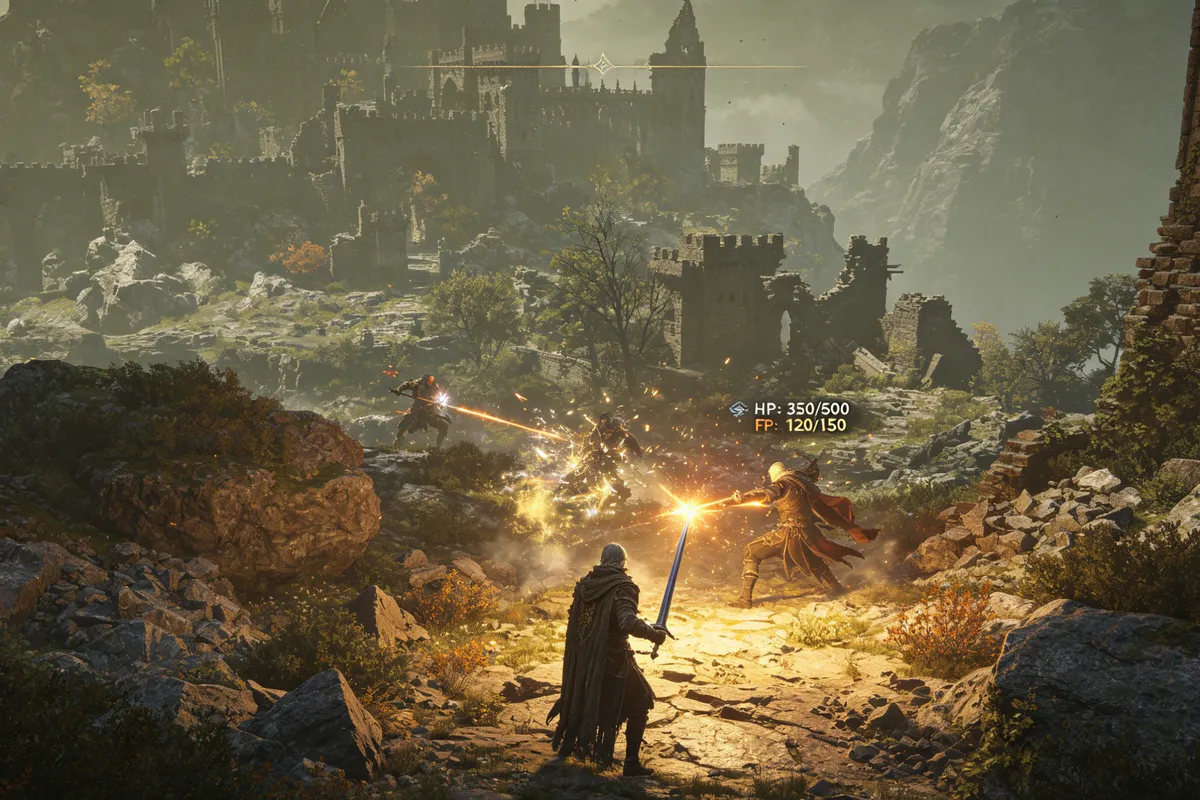
- Marvel Rivals — 90 FPS at High 1080p
- CS2 — 180 FPS at High 1080p
- Cyberpunk 2077 — 55 FPS at Medium 1080p (70 FPS with DLSS)
- Dota 2 — 140 FPS at Ultra 1080p
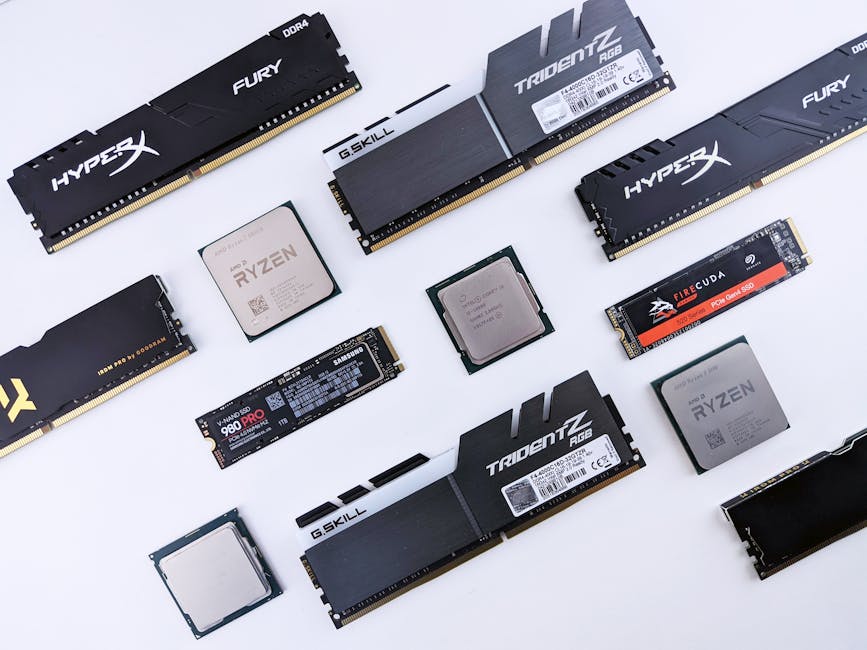
*Photo by Andrey Matveev on Pexels*
## Budget Tier 2: Mid-Range ($1,200-1,500) — 1440p Gaming
This is the sweet spot for 2027. It handles 1440p at high settings in any game and can push 4K in less demanding titles.
| Component | Recommendation | Price |
|---|---|---|
| CPU | AMD Ryzen 7 8700X (8-core, 4.5 GHz) | $320 |
| GPU | NVIDIA RTX 5070 (12GB VRAM) or AMD RX 9070 XT (16GB) | $550 |
| Motherboard | B650E (PCIe 5.0 GPU + SSD) | $180 |
| RAM | 32GB DDR5-6000 CL30 (2x16GB) | $95 |
| Storage | 2TB NVMe PCIe 5.0 SSD | $130 |
| PSU | 750W 80+ Gold (modular) | $100 |
| CPU Cooler | Thermalright Phantom Spirit 120 | $40 |
| Case | Mid-tower with mesh front and 4 fans | $85 |
Total: ~$1,500
What you can play:
- Marvel Rivals — 140 FPS at Ultra 1440p
- Cyberpunk 2077 — 90 FPS at High 1440p (with DLSS Quality)
- Baldur’s Gate 3 — 100 FPS at Ultra 1440p
- God of War Ragnarok — 80 FPS at High 1440p
## Budget Tier 3: High-End ($2,500+)- 4K Gaming
For enthusiasts who want max settings at 4K with ray tracing. This build will last 5-6 years before needing an upgrade.
| Component | Recommendation | Price |
|---|---|---|
| CPU | AMD Ryzen 9 9950X3D (16-core, 3D V-Cache) | $650 |
| GPU | NVIDIA RTX 5090 (24GB VRAM) | $1,600 |
| Motherboard | X870E (PCIe 5.0, WiFi 7) | $350 |
| RAM | 64GB DDR5-6400 CL32 (2x32GB) | $200 |
| Storage | 4TB NVMe PCIe 5.0 SSD | $350 |
| PSU | 1000W 80+ Platinum (modular) | $200 |
| CPU Cooler | 360mm AIO liquid cooler | $150 |
| Case | Full-tower with excellent airflow | $200 |
Total: ~$3,700
What you can play:
- Cyberpunk 2077 — 100 FPS at Ultra 4K (with DLSS + Frame Gen)
- Alan Wake 2 — 80 FPS at High 4K (with full ray tracing)
- Marvel Rivals — 200+ FPS at Ultra 4K
- Any game at max settings with ray tracing
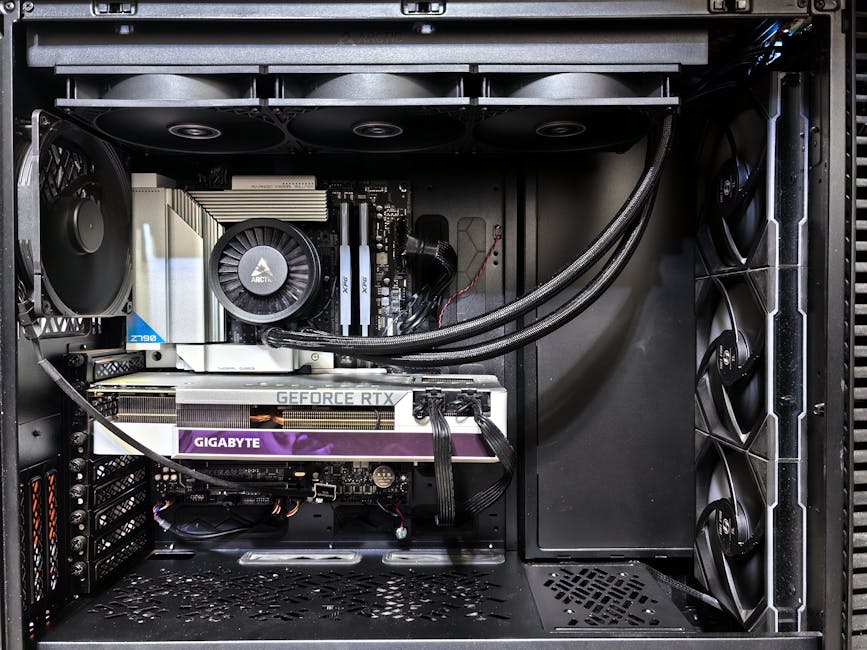
*Photo by Andrey Matveev on Pexels*
## Where to Buy Components in 2027
| Store | Best For | Notes |
|---|---|---|
| Amazon | Overall selection | Fast shipping, easy returns |
| Newegg | Bundles | CPU + motherboard combos save 10-15% |
| Micro Center | CPU deals | In-store only, but unbeatable prices |
| B&H Photo | GPUs | No tax outside NY, reliable stock |
| Best Buy | GPUs | Price-match guarantee, easy warranty |
## Assembly Tips for First-Time Builders
### Do Not Skip These Steps
1. Install the I/O shield first — Forgetting it means disassembling everything
2. Use standoff screws for the motherboard — Direct contact with the case can short components
3. Apply thermal paste correctly — A pea-sized dot in the center is all you need
4. Plug in the CPU power — The 8-pin (or 4+4) connector in the top-left corner is often missed
5. Enable XMP/EXPO in BIOS — Your RAM runs at default speeds until you enable the profile
### Tools You Need
- #2 Phillips head screwdriver (magnetic tip)
- Cable ties for management
- Anti-static wrist strap (optional but recommended)
- Flashlight for tight spots
## Do You Need an Operating System?
You have three options:
1. Windows 11 Home (~$120) — Full support, required for some anti-cheat games
2. Windows 11 key from authorized reseller (~$25-40) — Legitimate keys, same functionality
3. SteamOS or Linux (Free) — Works for 80% of Steam games, saves the Windows cost
Our recommendation: Buy a key from an authorized reseller for Windows 11 Pro. The Group Policy Editor and BitLocker encryption are worth the upgrade.
## Conclusion
The best time to build a gaming PC in 2027 is now. Component prices are at a three-year low, and the performance gap between budget and high-end builds is narrower than ever. The $1,200 mid-range build delivers the best price-to-performance ratio — invest the savings in a good 1440p 165Hz monitor.
Follow the assembly tips above, take your time, and do not be afraid to ask for help. Building your first PC is easier than it looks, and you will never go back to pre-builts.
*For more gaming PC guides, Steam game reviews, and hardware comparisons, visit gamerguide.tech.*