How to Build a Gaming Setup on a Budget in 2026
Building a gaming setup in 2026 doesn’t require a $3,000 budget. The short answer: focus on refurbished hardware, last-gen components, and strategic upgrades. You can get a 1080p/60fps gaming PC, a solid monitor, and peripherals for under $800—or even $500 if you hunt for deals. Prioritize a Ryzen 5 7600 or Intel i5-14400F CPU, pair it with a used RTX 3060 or RX 6600, and buy a 144Hz IPS monitor on sale. Skip RGB, use a wired mouse, and grab a second-hand desk. This guide breaks down every component with real 2026 prices and tips.
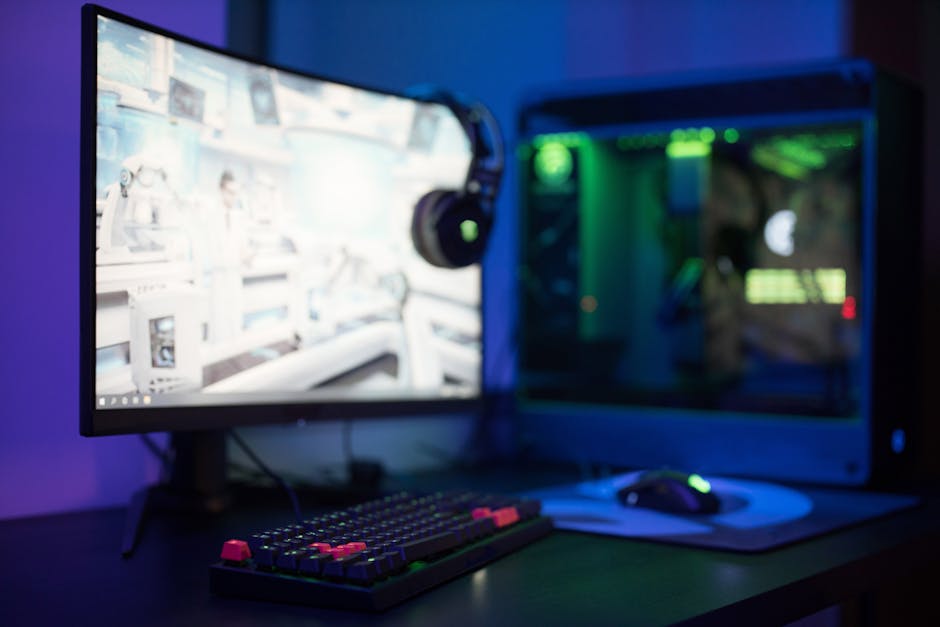
Photo by Ron Lach on Pexels
## Why 2026 Is the Best Year for Budget Builds
Component prices have dropped thanks to oversupply from last-gen GPUs and new budget CPUs. The used market is flooded with RTX 30-series and RX 6000-series cards. SSD prices hit an all-time low. You can build a machine that outperforms a PS5 Pro for less than the cost of a new console.
### Key Market Trends in 2026
- GPU prices down 30% from 2024 peaks
- DDR5 RAM now affordable (16GB kit under $60)
- 1TB NVMe SSDs under $50
- 144Hz monitors regularly hit $120 on sale
## Step 1: Set Your Budget and Priorities
Decide what matters most: performance, aesthetics, or upgradeability. For under $800, prioritize the GPU and CPU. Skip liquid cooling, RGB fans, and expensive cases.
### Budget Tiers for 2026
| Tier | Total Cost | Target Performance |
|---|---|---|
| Entry | $400–$500 | 1080p/60fps (eSports, older AAA) |
| Mid | $600–$800 | 1080p/144fps or 1440p/60fps |
| High | $900–$1,200 | 1440p/144fps or 4K/60fps |
Pro tip: Allocate 40% of your budget to the GPU, 20% to the CPU, and the rest to the other parts.
## Step 2: Choose the Right CPU and Motherboard
In 2026, AMD Ryzen 5 7600 and Intel i5-14400F are the best budget CPUs. Both offer six cores, solid gaming performance, and support for DDR5.
### Best CPU Options
- Ryzen 5 7600 – $150 (new, with cooler included)
- Intel i5-14400F – $130 (new, needs separate cooler)
- Ryzen 5 5600 – $80 (used, older but still great for 1080p)
Pair with a B650 motherboard for AMD or a B760 for Intel. Avoid Z-series boards—they’re overkill for budget builds.
## Step 3: Find a Cheap GPU That Crushes 1080p
The used market is your friend. Look for RTX 3060 (12GB), RX 6600, or RTX 3060 Ti. These cards handle any game at 1080p high settings and some at 1440p medium.
### Where to Buy Used GPUs
- eBay – Check seller ratings and return policies
- Facebook Marketplace – Test before buying
- Reddit’s r/hardwareswap – Verified sellers, good prices
Warning: Avoid cards with “mining” in the title unless the price is 40% below market. Most are fine, but test thoroughly.
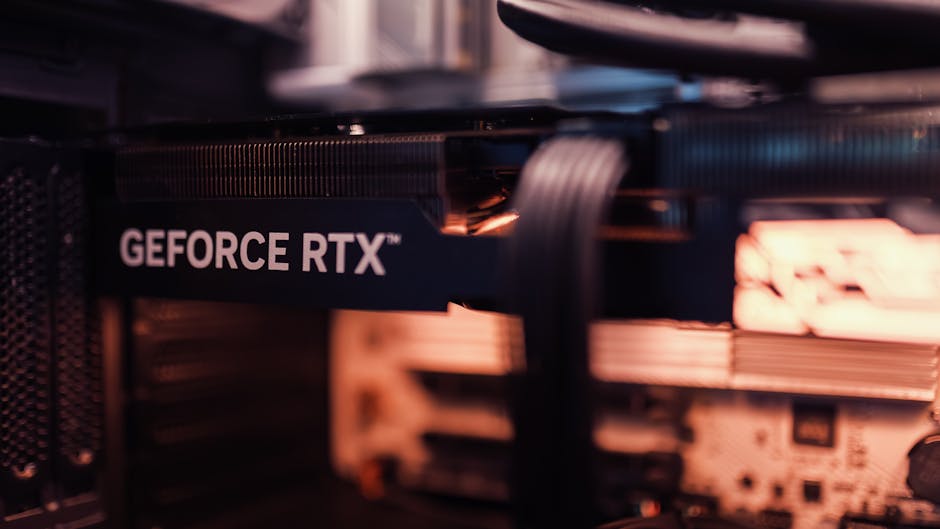
Photo by Matheus Bertelli on Pexels
## Step 4: Pick Affordable RAM and Storage
16GB of DDR5-5600 is the sweet spot for 2026. A 16GB kit costs around $55 new. For storage, a 1TB NVMe SSD (like the TeamGroup MP33) is $45. Skip HDDs—they’re too slow for modern games.
### Storage Checklist
- 1TB NVMe SSD for OS and games
- Optional: 500GB SATA SSD for extra storage ($25 used)
- Avoid: 2.5-inch HDDs (load times are painful)
## Step 5: Monitor, Keyboard, and Mouse on a Shoestring
You don’t need a $400 monitor. A 24-inch 1080p 144Hz IPS panel costs $120–$150 on sale. For keyboard, get a Redragon K552 (mechanical, $35). For mouse, grab a Logitech G203 ($25) or a used G502 ($30).
### Peripheral Budget Breakdown
- Monitor: Acer Nitro KG241Y – $130
- Keyboard: Redragon K552 – $35
- Mouse: Logitech G203 – $25
- Headset: HyperX Cloud Stinger – $40 (used)
Skip: Wireless peripherals (they cost 2x more) and RGB everything.
## Step 6: The Desk and Chair (Under $100 Total)
A used IKEA LINNMON tabletop ($15) with ADILS legs ($8 each) makes a great desk. For a chair, search Facebook Marketplace for a used IKEA Markus ($40–$60). Add a $10 mouse pad from Amazon.
### Desk Setup Tips
- Use a monitor arm ($20) to free up desk space
- Cable ties ($5) keep things tidy
- A lamp with a warm bulb ($10) reduces eye strain
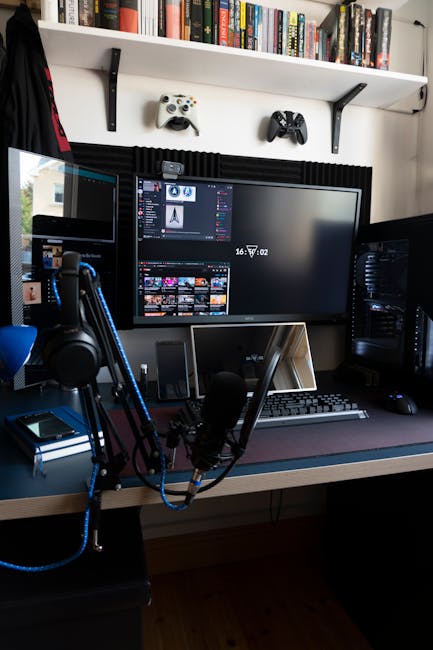
Photo by Amateur Wizard on Pexels
## Step 7: Optimize Your Build for 2026 Games
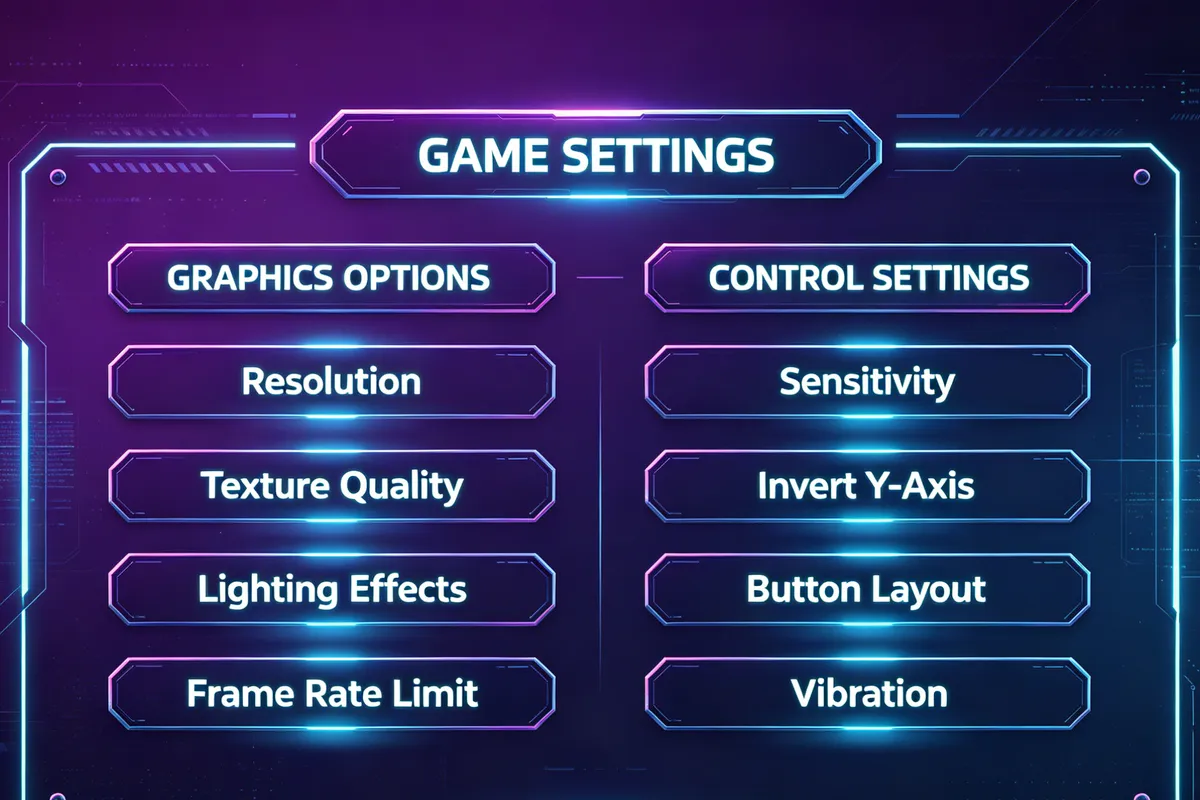
Once built, tweak settings for maximum performance. Use DLSS or FSR in AAA titles. Lower shadows and reflections first—they cost FPS with minimal visual impact.
### Quick Optimization Checklist
1. Enable DLSS Quality or FSR Quality
2. Set textures to High, everything else to Medium
3. Disable motion blur and depth of field
4. Cap FPS at 144 if your monitor supports it
5. Update GPU drivers monthly
## Comparison Table: Budget vs. Mid-Range Build (2026)
| Component | Budget Build ($500) | Mid-Range Build ($800) |
|---|---|---|
| CPU | Ryzen 5 5600 (used) | Ryzen 5 7600 (new) |
| GPU | RX 6600 (used) | RTX 3060 Ti (used) |
| RAM | 16GB DDR4-3200 | 16GB DDR5-5600 |
| Storage | 1TB NVMe SSD | 1TB NVMe SSD |
| Monitor | 24″ 60Hz IPS | 24″ 144Hz IPS |
| Total | ~$500 | ~$800 |
Result: The $800 build runs Cyberpunk 2077 at 1080p/60fps with ray tracing on. The $500 build hits 60fps without RT.
## Common Mistakes to Avoid
- Buying a new GPU – Used cards are 40% cheaper and perform identically
- Overspending on the CPU – A Ryzen 5 5600 is enough for most games
- Ignoring the used market – Desks, chairs, and peripherals are half price
- Getting a 4K monitor – Not worth it on a budget. Stick to 1080p or 1440p
- Buying RGB fans – They add $30 and zero performance
## Conclusion: Start Small, Upgrade Later
Building a gaming setup on a budget in 2026 is easier than ever. Used GPUs, cheap DDR5, and affordable monitors make a $500–$800 build viable for modern games. Focus on the GPU first, buy refurbished when possible, and avoid unnecessary aesthetics. You can always add RGB or a mechanical keyboard later.
Ready to build? Visit gamerguide.tech for the latest deals on budget GPUs, monitor sales, and step-by-step build guides. We update prices weekly so you never overpay.