
How to Build the Perfect Gaming PC for Steam Games
Building the perfect gaming PC for Steam games means balancing performance, budget, and future-proofing. Start with a mid-range CPU like an Intel Core i5 or AMD Ryzen 5, pair it with 16GB of DDR4 RAM (or 32GB for AAA titles), and choose a GPU like an NVIDIA GeForce RTX 3060 or AMD Radeon RX 6700 XT for 1080p/1440p gaming. Add a fast NVMe SSD (500GB-1TB) for quick load times, and a reliable 650W-750W power supply. This setup handles 95% of Steam’s library at high settings, including demanding games like *Cyberpunk 2077* and *Elden Ring*. Prioritize your budget on the GPU, as Steam games rely heavily on graphics performance.
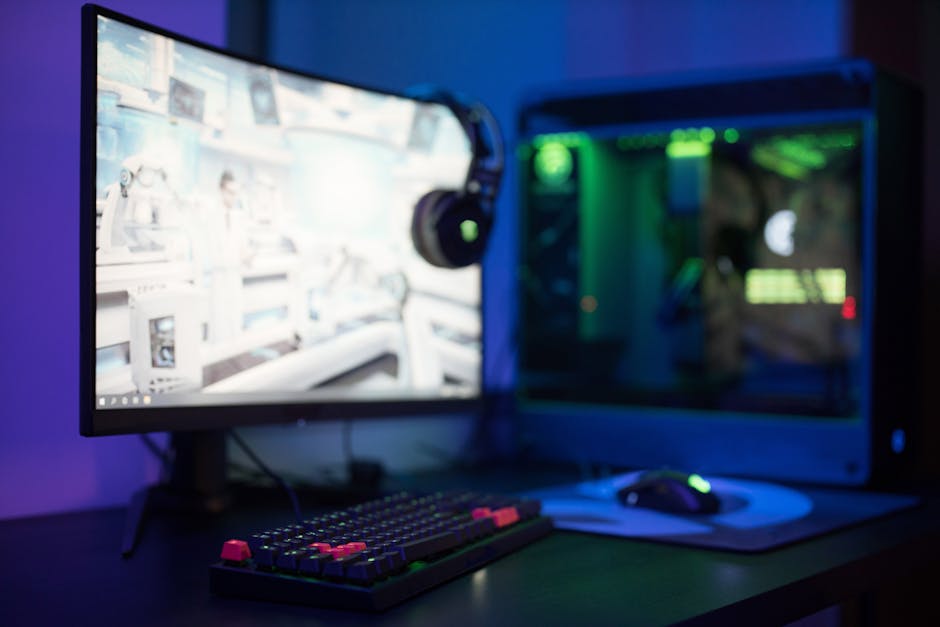
*Photo by Ron Lach on Pexels*
## Why Build a PC Specifically for Steam Games?
Steam offers over 50,000 titles, from indie gems to AAA blockbusters. A custom PC lets you optimize settings per game, upgrade components later, and save money compared to pre-built systems. Unlike consoles, you can tweak frame rates, resolutions, and mod support—essential for Steam’s diverse library.
## Key Components for Your Steam Gaming PC
### 1. Central Processing Unit (CPU)
- Best for Steam: AMD Ryzen 5 5600X or Intel Core i5-12400F.
- Why: Most Steam games are GPU-bound, so a mid-range CPU avoids bottlenecks.
- Budget pick: Intel Core i3-12100F for under $100.
### 2. Graphics Card (GPU)
- Best for Steam: NVIDIA GeForce RTX 3060 (12GB) or AMD Radeon RX 6700 XT (12GB).
- Why: Handles 1080p/1440p at 60+ FPS in *Call of Duty: Warzone* and *Red Dead Redemption 2*.
- Budget pick: GTX 1660 Super for older titles.
### 3. Memory (RAM)
- Minimum: 16GB DDR4 3200MHz—enough for *Counter-Strike 2* and *Dota 2*.
- Recommended: 32GB DDR4 for *Starfield* or *Microsoft Flight Simulator*.
### 4. Storage
- Essential: 500GB NVMe SSD (e.g., Samsung 980) for your OS and top 5 games.
- Optional: Add a 2TB HDD for your Steam library backlog.
### 5. Power Supply (PSU)
- Recommended: 650W 80+ Gold from Corsair or EVGA.
- Why: Handles peak loads from *Cyberpunk 2077* and future upgrades.
### 6. Motherboard
- Pick: B550 (AMD) or B660 (Intel) with PCIe 4.0 support for fast SSDs.
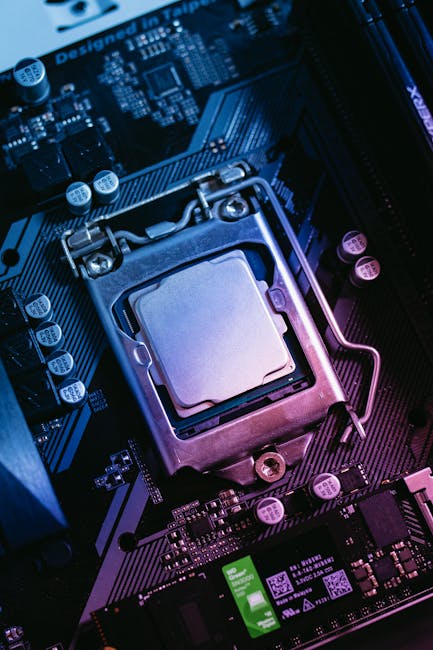
*Photo by Jonathan Borba on Pexels*
## Comparison Table: Budget vs. Mid-Range vs. High-End Builds
| Component | Budget ($600) | Mid-Range ($1,000) | High-End ($1,800) |
|---|---|---|---|
| CPU | Intel i3-12100F | AMD Ryzen 5 5600X | Intel i7-13700K |
| GPU | GTX 1660 Super | RTX 3060 12GB | RTX 4070 Ti |
| RAM | 16GB DDR4 3200 | 16GB DDR4 3600 | 32GB DDR5 6000 |
| Storage | 500GB NVMe SSD | 1TB NVMe SSD | 2TB NVMe SSD |
| PSU | 500W 80+ Bronze | 650W 80+ Gold | 850W 80+ Gold |
| Steam Performance | 1080p Medium/60 FPS | 1440p High/60 FPS | 4K Ultra/120 FPS |
## Step-by-Step Building Guide
### Step 1: Prepare Your Workspace
- Use an anti-static wrist strap.
- Clear a large table with good lighting.
### Step 2: Install CPU and RAM
- Place the CPU gently into the socket (match the triangle markers).
- Snap RAM into slots A2 and B2 for dual-channel mode.
### Step 3: Mount the Motherboard
- Screw the motherboard into the case using standoffs.
- Connect the 24-pin power cable and 8-pin CPU cable.
### Step 4: Install GPU and Storage
- Insert the GPU into the top PCIe x16 slot.
- Secure the NVMe SSD into the M.2 slot (usually under a heatsink).
### Step 5: Cable Management
- Route cables behind the motherboard tray.
- Use zip ties to keep airflow clear.
### Step 6: Power On and Install Steam
- Connect monitor, keyboard, and mouse.
- Boot from USB with Windows 10/11 installer.
- Download Steam from the official site.
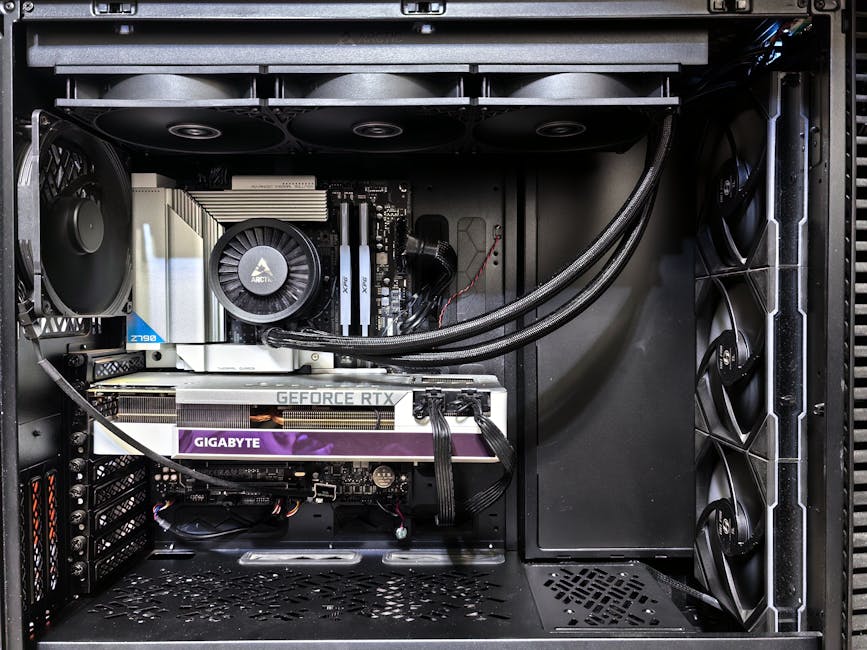
*Photo by Andrey Matveev on Pexels*
## Optimizing Your PC for Steam Games
- Enable XMP/DOCP in BIOS to run RAM at full speed.
- Update GPU drivers via NVIDIA GeForce Experience or AMD Adrenalin.
- Use Steam’s built-in FPS counter (Settings > In-Game > FPS Counter).
- Disable background apps like Discord overlay for better performance.
## Common Mistakes to Avoid
- Buying a low-wattage PSU—always get 650W+ for headroom.
- Skipping an SSD—HDDs cause stuttering in *Baldur’s Gate 3* and *Starfield*.
- Overpaying for a CPU—a $300 CPU with a $200 GPU underperforms vs. a $200 CPU with a $400 GPU.
## Conclusion
Building the perfect gaming PC for Steam games is achievable with a balanced focus on GPU, RAM, and SSD. Start with a mid-range build like the $1,000 option above, then upgrade as your Steam library grows. For more detailed guides, game reviews, and walkthroughs, visit gamerguide.tech—your ultimate resource for Steam gaming. Check out our Steam game performance database to see how specific titles run on your build.