How to Optimize Your PC for Maximum Gaming Performance
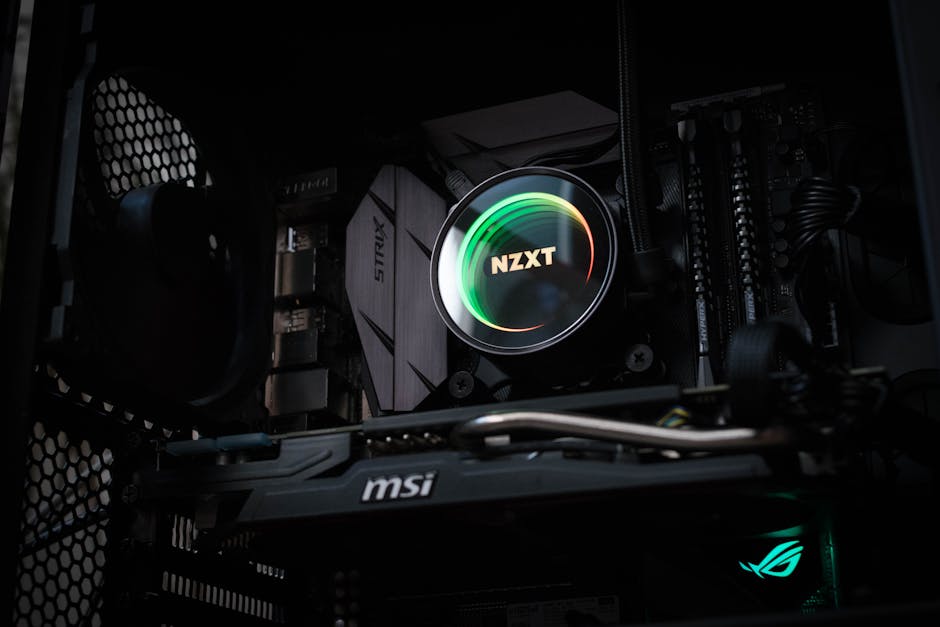
Photo by David Bares on Pexels
You built the rig. You bought the GPU. But are you getting the performance you paid for? Most gaming PCs run at 70-80% of their potential out of the box. Here’s how to unlock the rest.
## Before You Start: Benchmark Your Baseline
Download MSI Afterburner or NVIDIA GeForce Experience and record your current FPS in a few games. You need numbers to measure improvement. Write them down—we’ll compare at the end.
## Windows Settings That Actually Matter
### 1. Game Mode: On
Go to Settings > Gaming > Game Mode and enable it. This tells Windows to prioritize your game over background processes. It’s a small gain (2-5 FPS typically), but it’s free.
### 2. Disable Unnecessary Startup Apps
Open Task Manager (Ctrl+Shift+Esc), go to the Startup tab, and disable everything you don’t need. Discord? Keep it. Spotify? Disable it—launch it manually after your game loads. Fewer background apps mean more RAM and CPU for gaming.
### 3. Power Plan: Ultimate Performance
Windows hides this one. Open Command Prompt as Administrator and run: